Kaida Design System
Beautiful design system with ready-to-use components, styles, auto-layout, and more. Based on Kaida components. Free forever.
Always up-to-date. Updated weekly with the latest techniques and best practices.
Precisely organized. Clear naming and hierarchy ensure everything feels logical and consistent.
13+ years of experience. Proven expertise shaping design systems that work.
Consistent across platforms. Design and code align perfectly across desktop, mobile, and web
Components
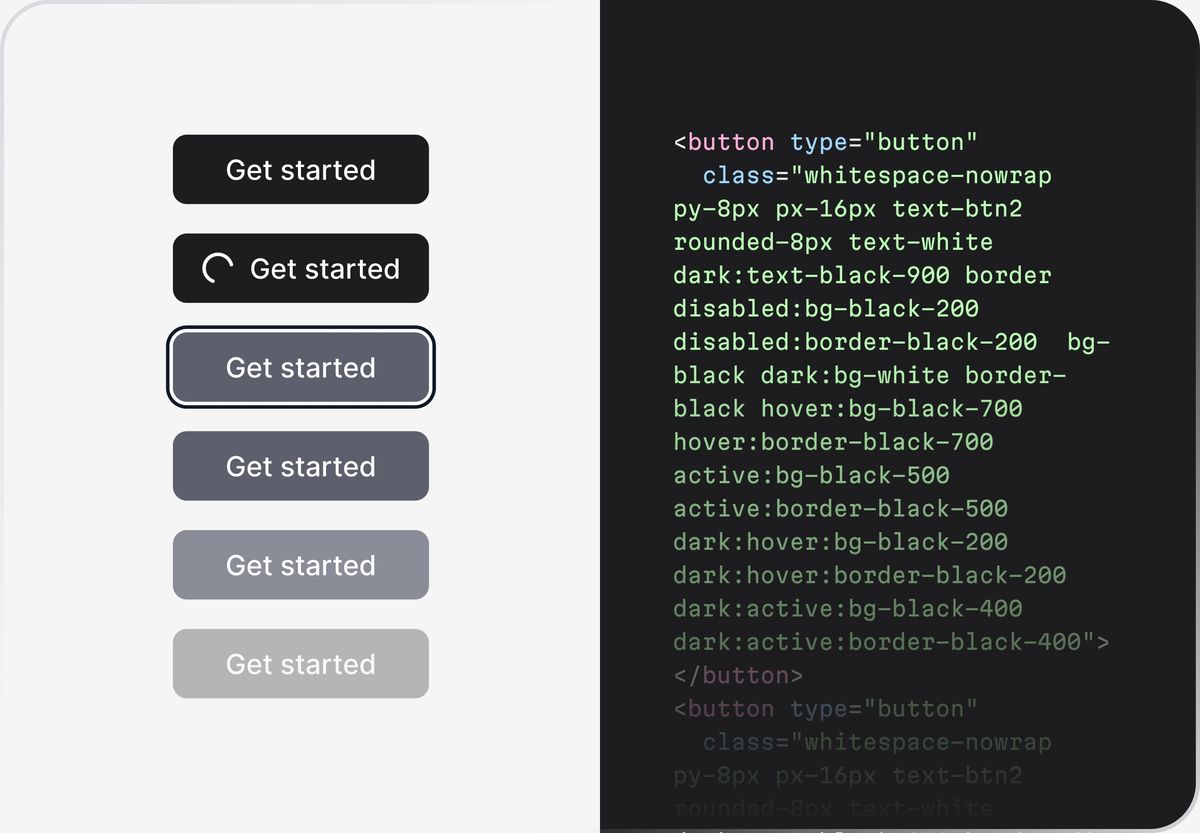
Des and dev consistency
Design and development stay perfectly in sync. No mismatched colors, spacing, or components.
Customizable with AI
Instantly create custom themes with Kaida Themer. AI helps you to achieve results faster.
Auto layout
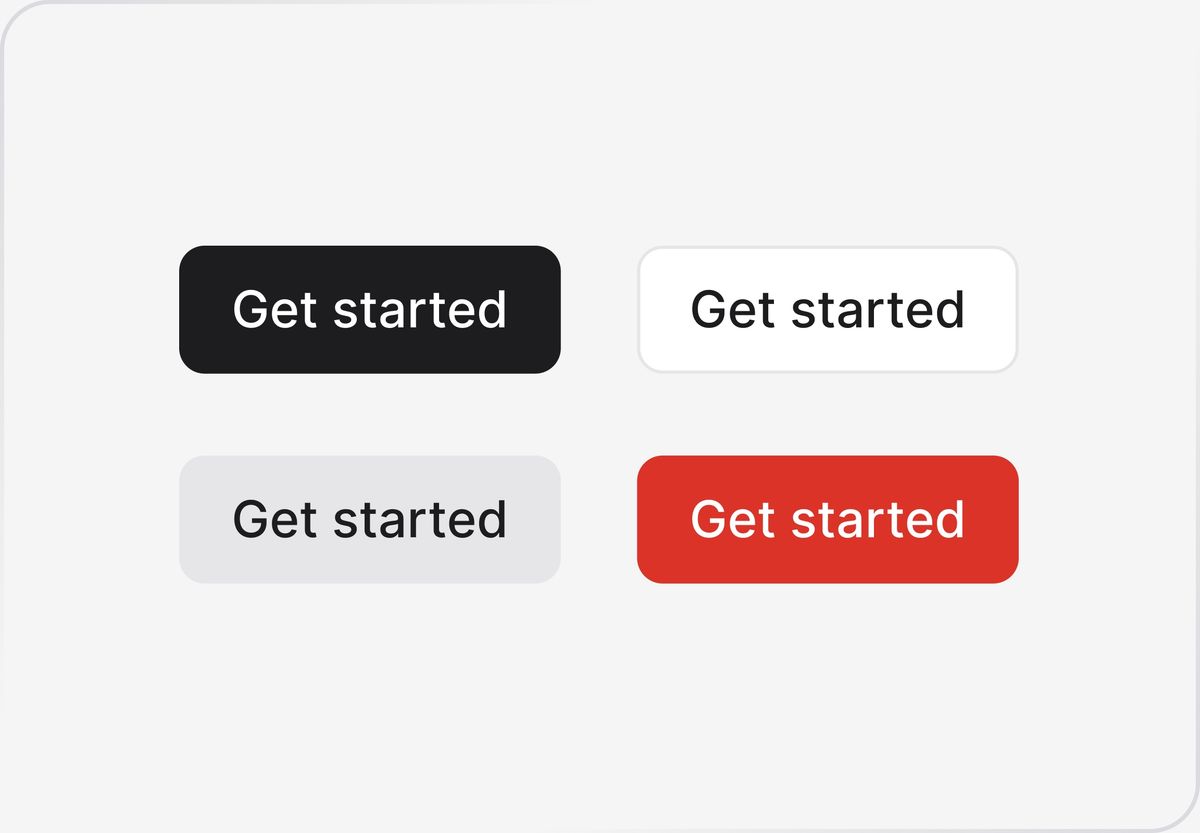
Everything adapts automatically. Resize, reorder, or nest without breaking the layout.
Variables
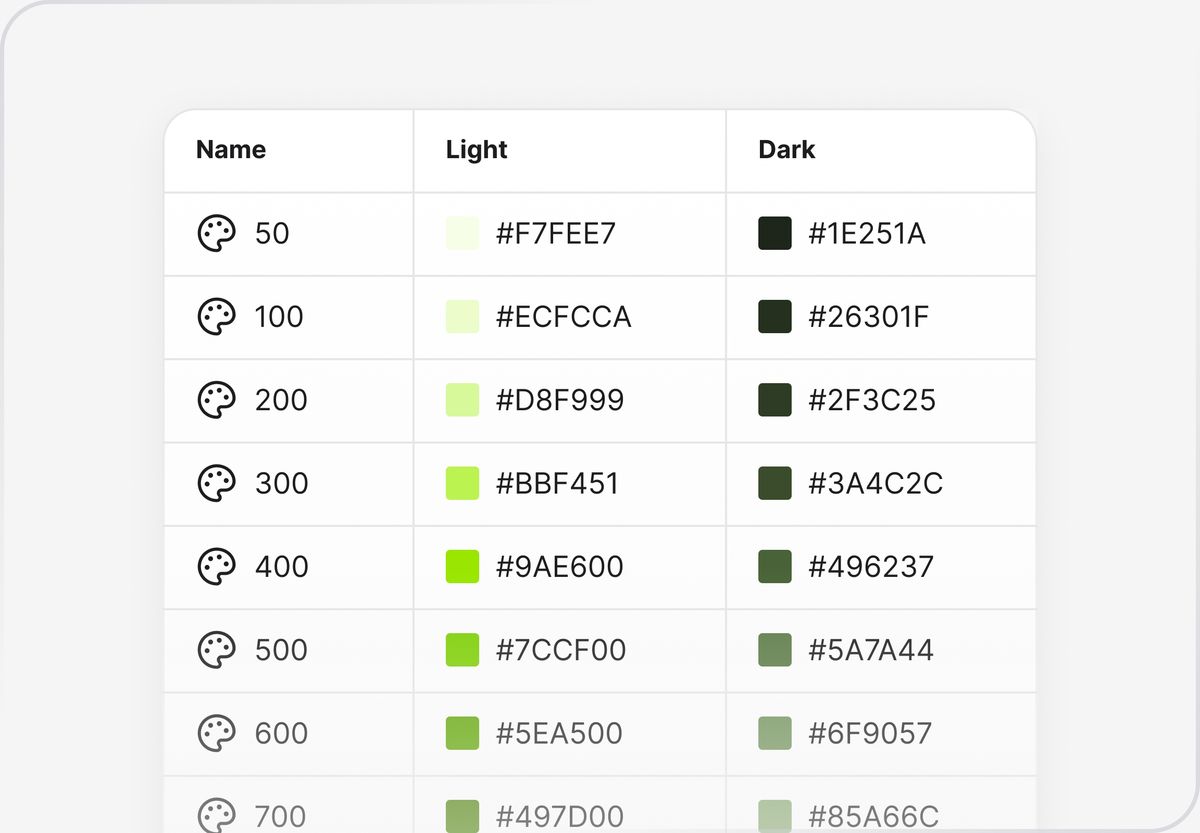
All key design values — spacing, colors, typography — are defined as reusable variables for consistency and speed.
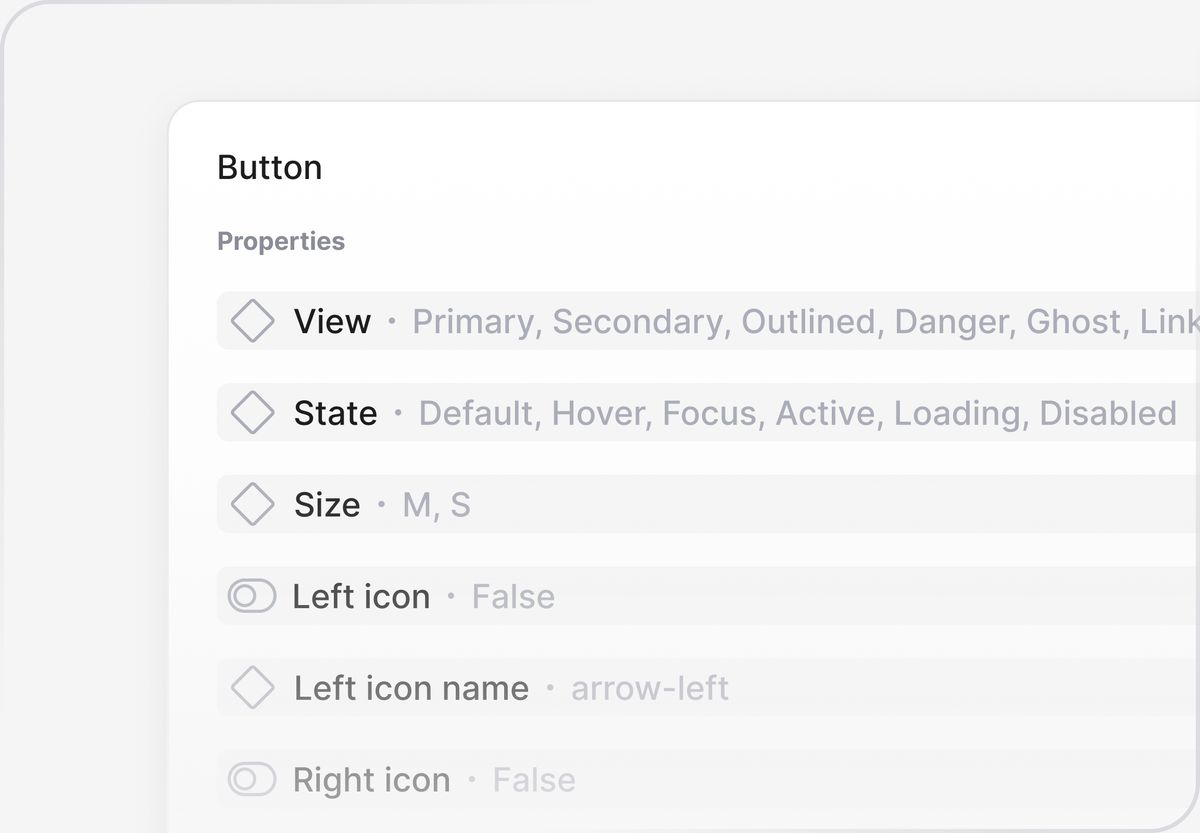
Variants and properties
Components come with well-thought-out variants and properties to adapt instantly to your layouts.
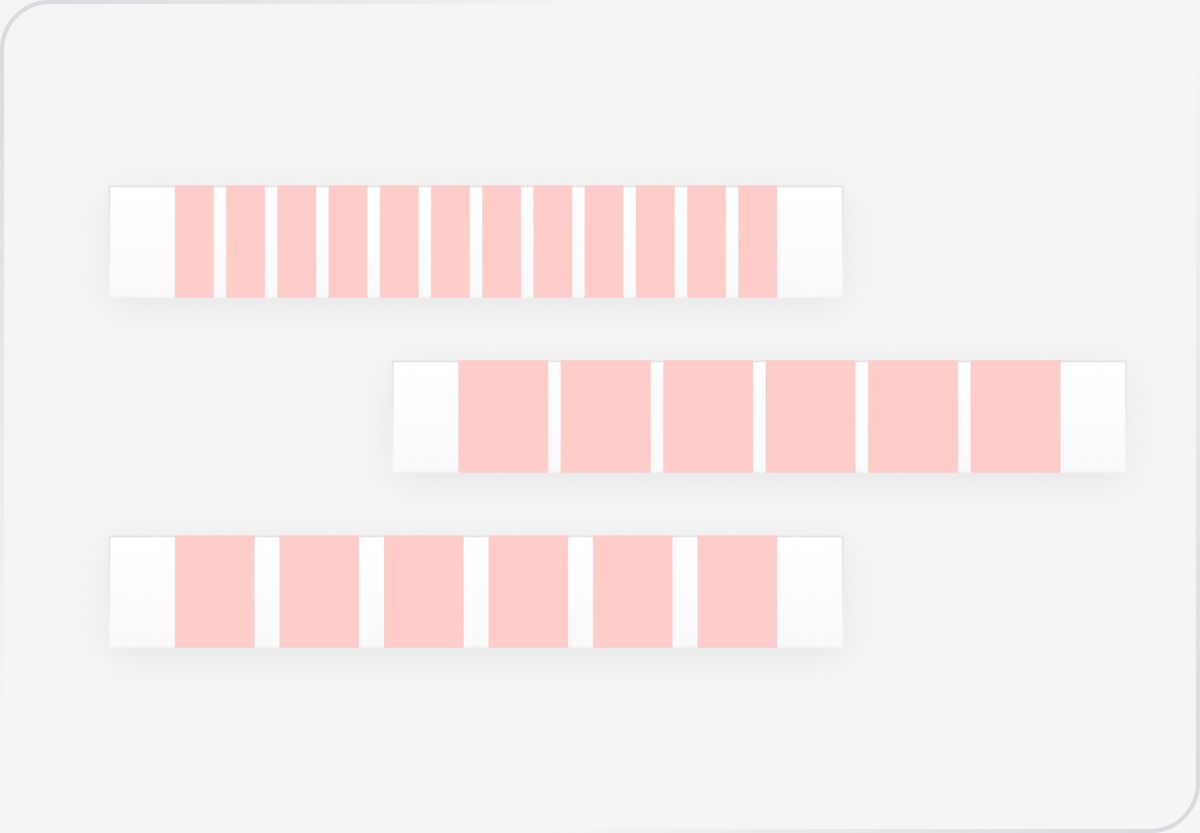
Layout guides
Predefined, layout guides help you align and structure designs effortlessly.
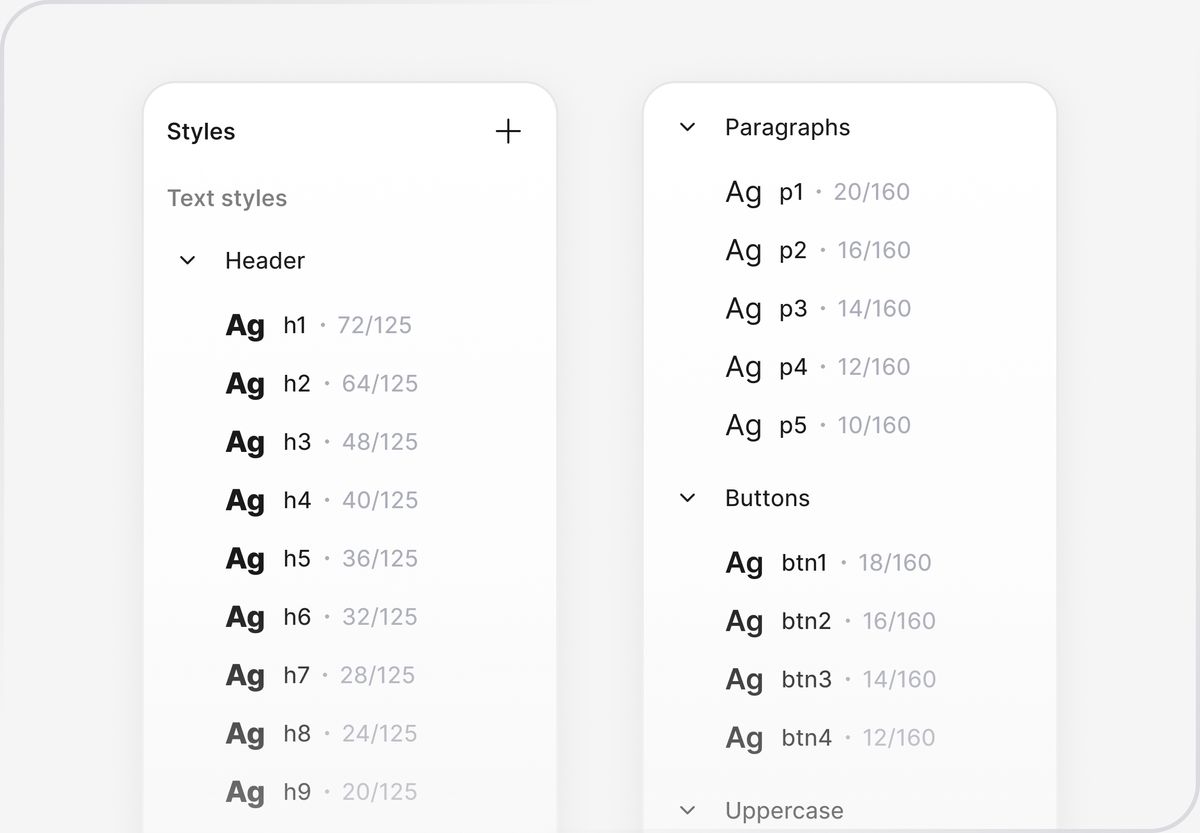
Typography
Ready-to-use text styles with structure, hierarchy, scale, and legibility in mind.
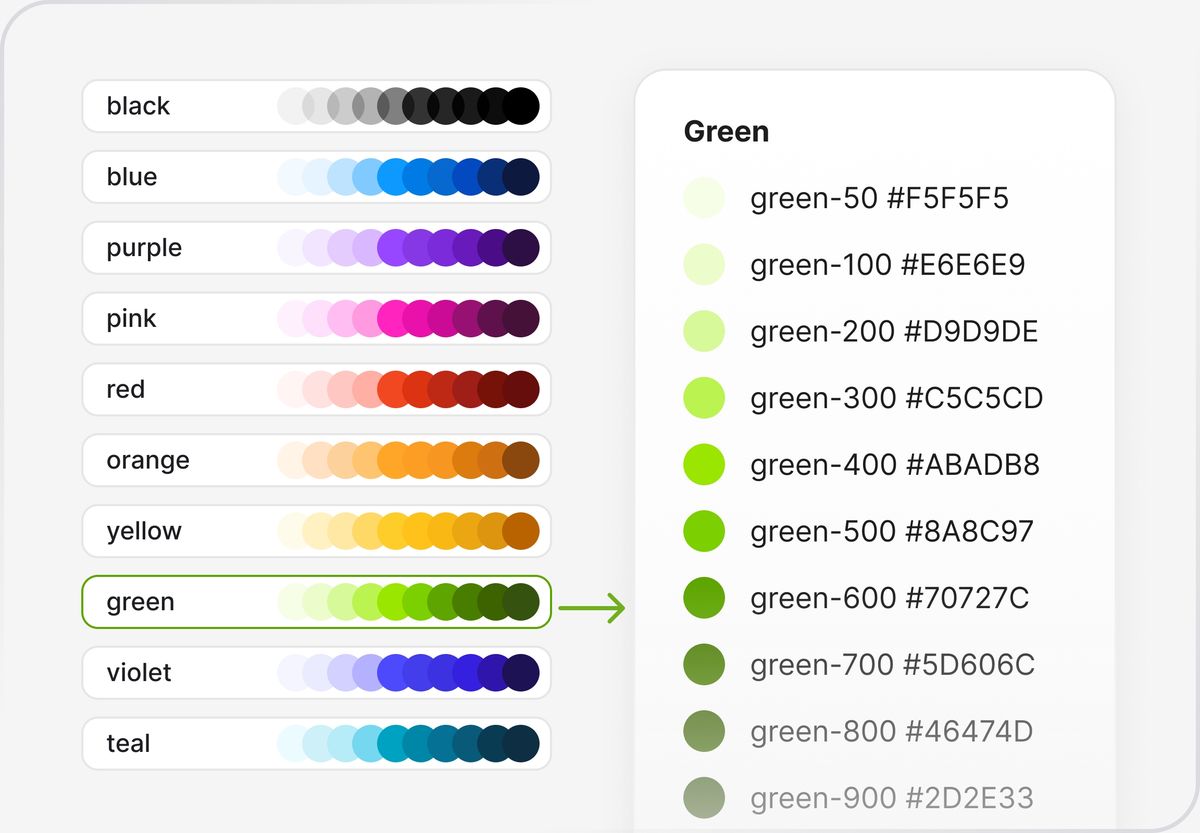
Color styles
Consistent, harmonious color palettes designed for flexibility across light and dark modes.
Light & dark modes
Switch between light and dark themes, both in des and dev.
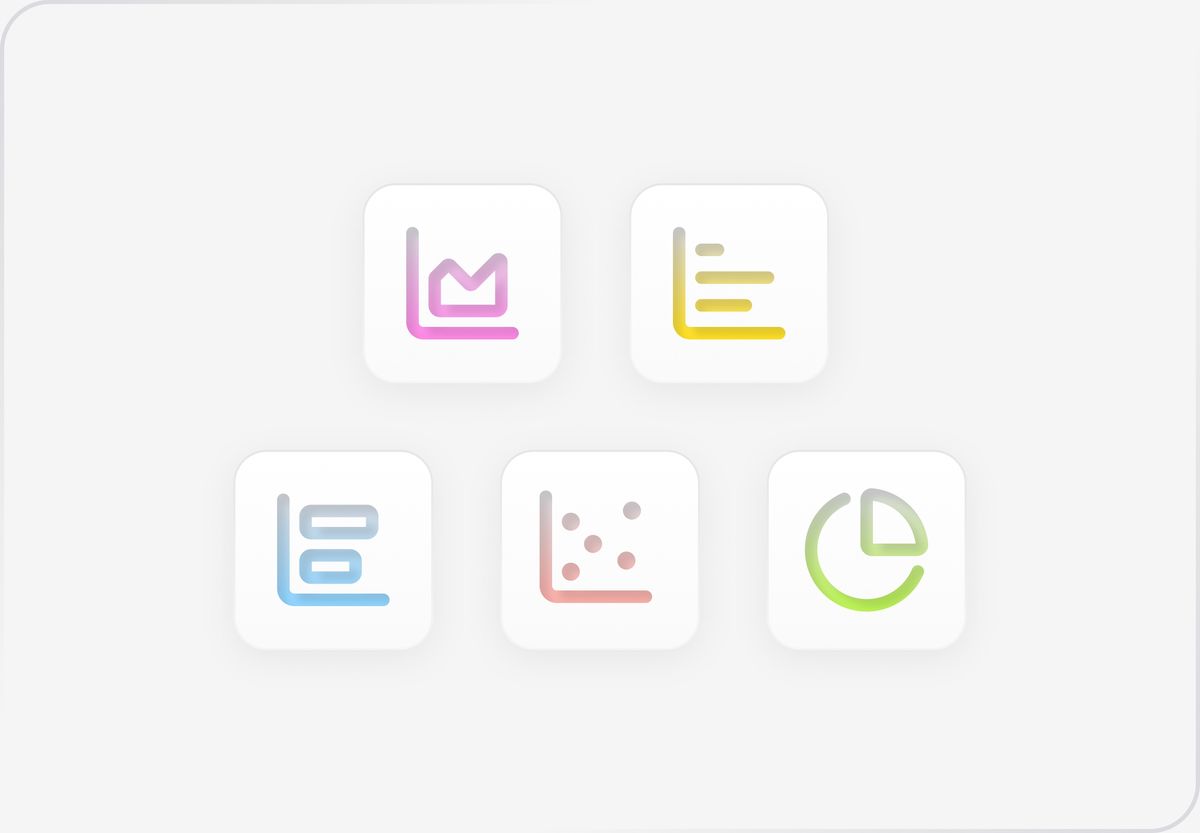
Charts & graphs
A complete set of data components to visualize information simply and beautifully.
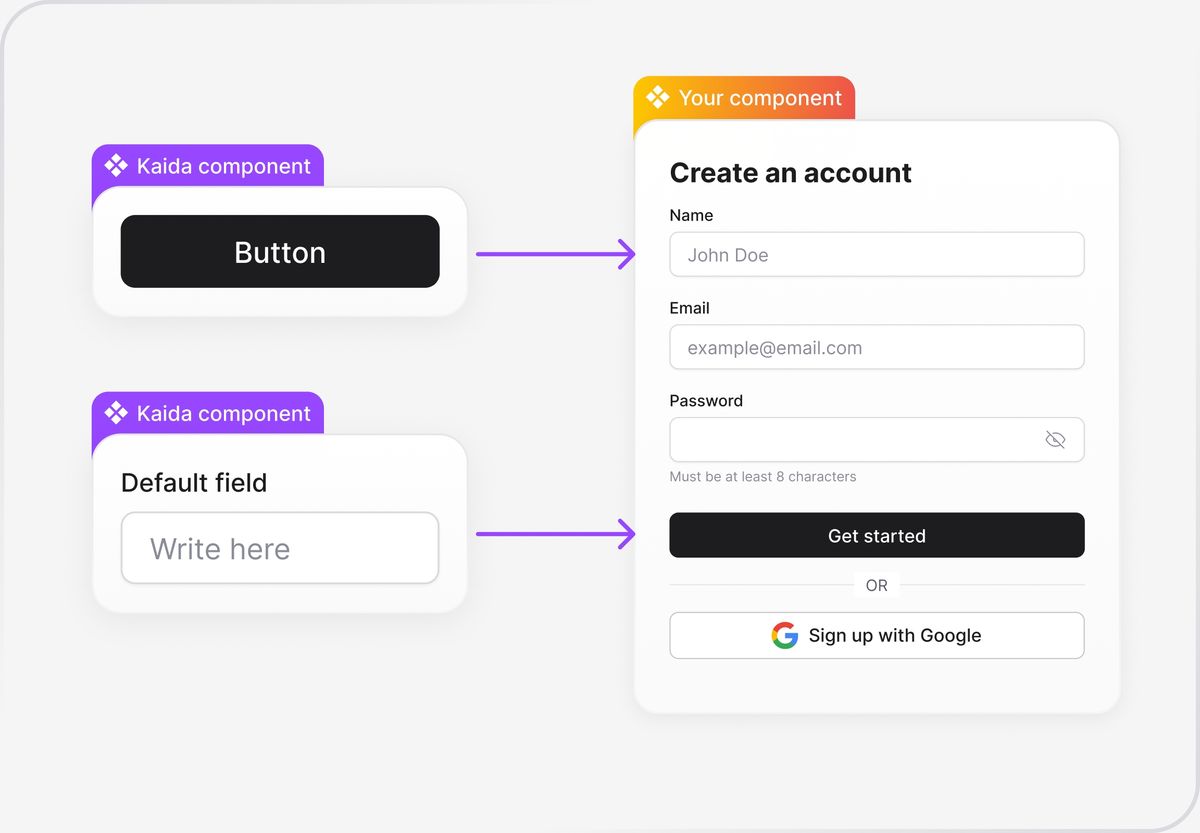
Design system foundation
Start with core components and expand.
Copy-paste layouts easily
You can copy and paste layouts from Kaida to Figma with a single click.
Go to layouts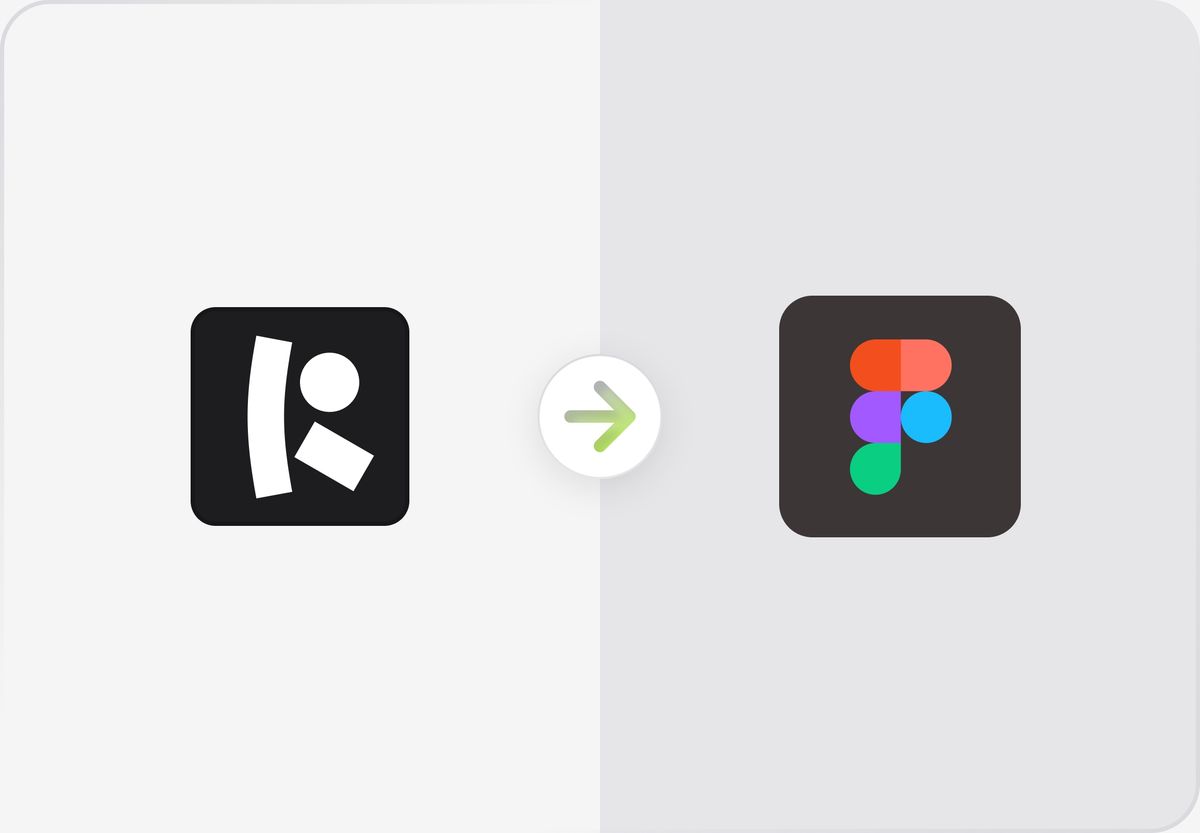
Speed up your workflow today
Kaida helps create design systems that power some of the fastest-growing products.