
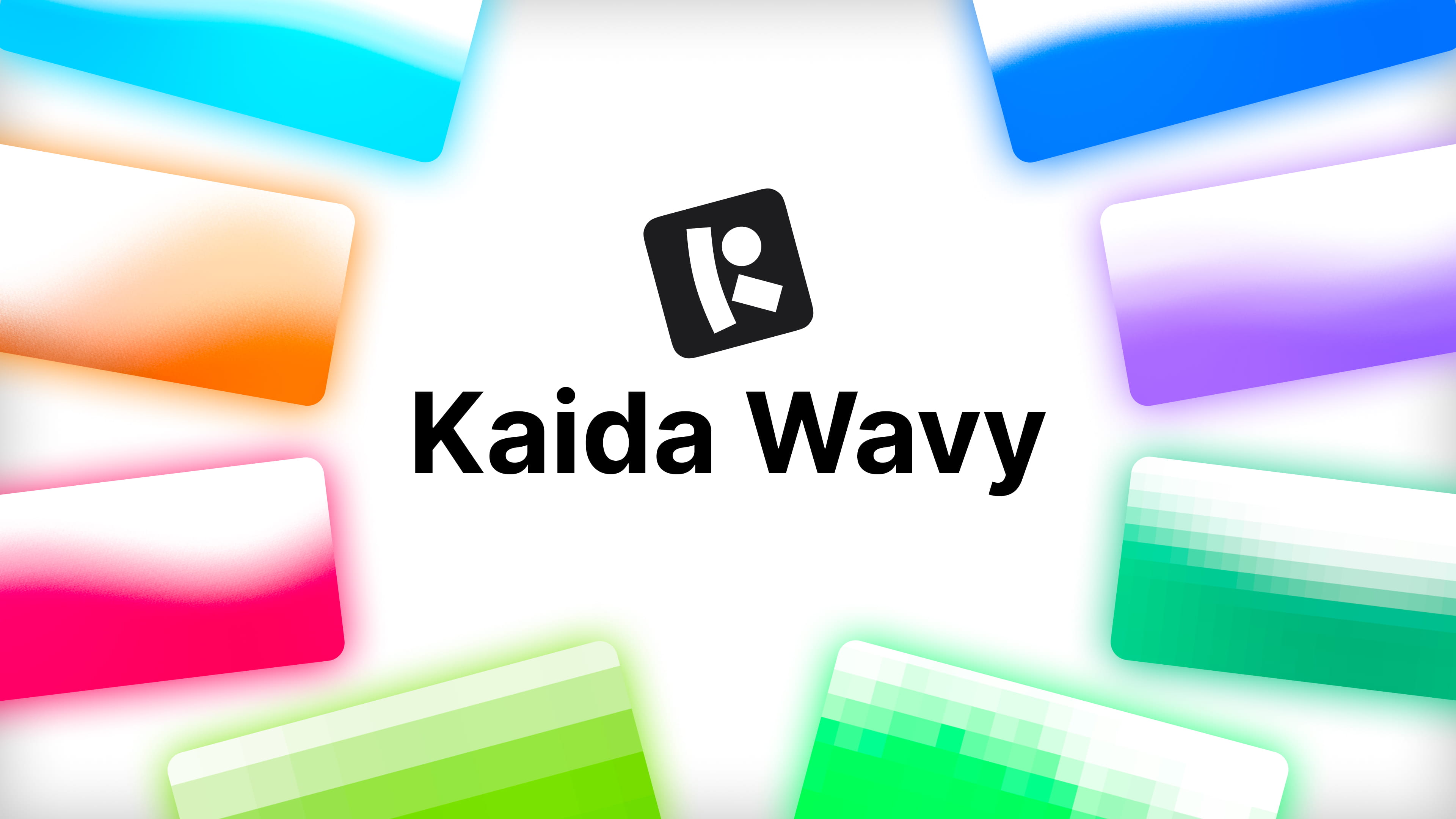
If you've ever shipped a "liquid gradient" hero section, you know the usual options:
- looping video file,
- static gradient,
- custom WebGL shader (that takes time to make).
Kaida Wavy, part of Kaida Effects library, is a drop-in solution: a single JS class that renders animated, blurred mesh-gradient waves on a using WebGL2.
Integration
Just connect the module, play with the parameters, remix in LLM:
import { Wavy } from "wavy";

// Default values
new Wavy(canvas, {
  speed: 50, // Animation speed (0-100)
  frequency: 30, // Wave amplitude/frequency (0-100)
  height: 50, // Wave height/top position (0-100)
  blur: 30, // Blur intensity (0-100)
  edgeBlur: false, // Enable edge fade to transparent effect
  edgePadding: 0.04, // Edge padding zone size (0.0-0.5)
  pixels: 0, // Pixelation strength (0-100)
  grain: 0, // Grain noise intensity (0-100)
  edgeInsetLeft: 0, // Left edge inset position (0-100, 0 = border, 100 = center)
  edgeInsetRight: 0, // Right edge inset position (0-100, 0 = border, 100 = center)
  edgeTransitionLeft: 0, // Left edge blur transition (0-100, 0 = sharp, 100 = 0.2 transition)
  edgeTransitionRight: 0, // Right edge blur transition (0-100, 0 = sharp, 100 = 0.2 transition)
  color: "#ff0000", // Primary wave color (hex)
  showSecondWave: true, // Show second wave layer
  syncWaves: true, // Sync wave animation speeds
  useCustomSecondWaveColor: false, // Use custom second wave color
  secondWaveColor: "#00ff00", // Secondary wave color (hex)
  showControls: false, // Show/hide controls panel (use it only for dev mode!)
});
What it does technically
Kaida Wavy draws two layered wave meshes (50 segments each) and displaces their vertices with Simplex noise in the vertex shader. No textures, no images, only procedural geometry. The two layers can run on independent noise-driven timelines or be synced, and each can carry its own color. The output then runs through a 4-pass Kawase blur post-process pipeline (ping-ponging between framebuffers) that also layers in optional pixelation and animated grain, plus a configurable edge-fade that mixes the blurred result back with the original texture near the canvas borders for a "frosted glass" look.
Various technical facts
- Requires WebGL2. All major browsers have supported it since 2021.
- Blending is premultiplied-alpha throughout (which might matter if compositing Wavy's canvas over other transparent layers).
- No dependency. It's a plain ES module, so it drops into React, Vue, or static HTML equally easily.
- No video weight. Everything is procedural, so there's no MP4/WebM to host, transcode, or lazy-load.
- Try to remix with LLM. Tailoring with LLMs to specific project requirements worked well.
- You own the code. Use it however you need.
Possible use cases
- Marketing page hero backgrounds where you want motion.
- App auth-page backgrounds.
- Loading or transitional screens.
- Anywhere you need decorative background.
Get started
You can try and get the code it in the Kaida Effects docs or check out more examples on the Kaida Wavy page.
Questions?
If you have any questions or ideas for improvements, please write to us at team@kaida.dev.
You may also find the answer in Kaida FAQ.
If you'd like to contribute
View the latest changes and checkout GitHub:
Changelog
GitHub repository